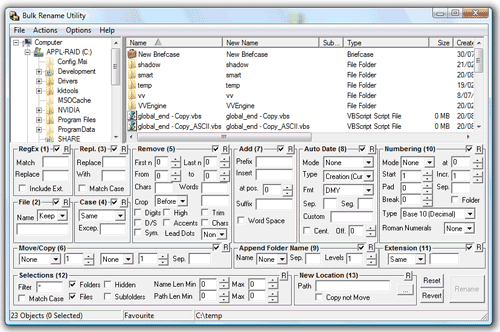
Bulk Rename Utility is a free file renaming software for Windows. Bulk Rename Utilityallows you to easily rename files and entire folders based upon extremely flexible criteria.
Add date/time stamps, replace numbers, insert text, convert case, add auto-numbers, process folders and sub-folders....plus a whole lot more!
- Rename multiple files quickly, according to many flexible criteria.
- Rename files in many ways: add, replace, insert text into file names. Convert case, add numbers. Remove or change file extensions.
- Check the detailed preview before renaming.
- Rename photos using EXIF meta data (i.e. "Date Picture Taken", "Resolution" and other information embedded in all JPG photo files) Rename your holiday pictures from a meaningless dsc1790.jpg to NewYork1.jpg in a flash.
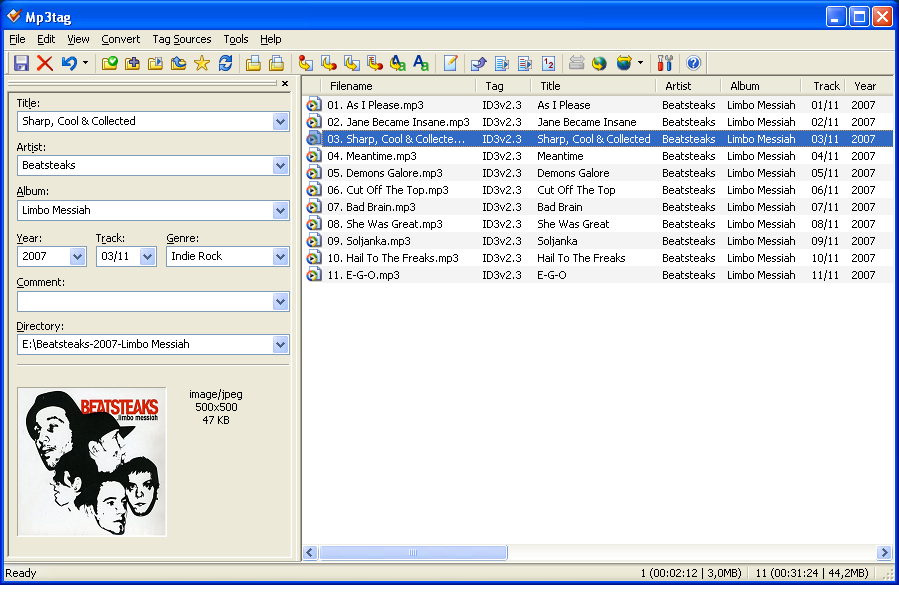
- Rename MP3 files using ID3 tags (a.k.a. MP3 ID3 tag renaming).
- Change files' creation and modification time stamps.
- It's free. Easy to Install. Download and start renaming your files now!